

Turn real sites into measurable digital twins.
Capture industrial sites, construction projects, and terrain—then explore the resulting digital twin remotely.
Four ways to capture and understand your site
azuridtwineup brings together visual site monitoring, 3D reality capture, interactive digital twins, and topographic alignment studies into a single unified spatial workflow.
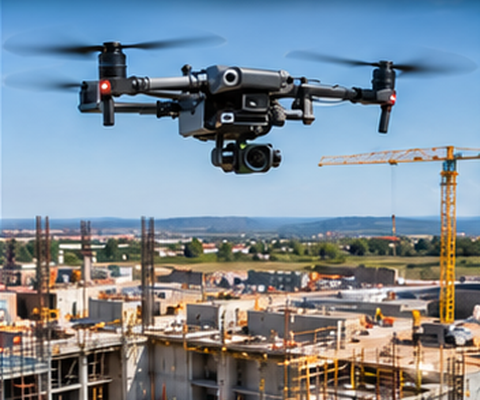 04DroneAerial Capture
One platform, from detailed interior spaces to large outdoor sites
azuridtwineup connects high-resolution aerial mapping with walk-through 360° tours, giving teams a broader, unified view without switching tools.
Inspect facilities and walk through spaces remotely
Navigate complex facilities and structural interiors from any browser, review equipment condition, and check clearances as if you were on site.
- Move through captured spaces: Step between stations to inspect equipment, valves, and surrounding structure.
- Measure distances: Check physical dimensions, access widths, and pipe clearances with spatial measurement tools.
- Add location-based notes: Attach inspection notes, punch items, and photo documentation to specific locations.
- Review conditions remotely: Keep project managers, engineers, and owners aligned without repeated site travel.
Examine outdoor projects and civil terrain
Get an expansive, unified view of outdoor construction, earthworks, and infrastructure corridors to monitor progress across your entire site.
- View large outdoor areas: High-resolution aerial mapping of your entire project footprint.
- Inspect terrain and earthworks: Monitor site grading, access routes, and structural foundations.
- Analyse elevation profiles: Examine surface elevations and ground contours along project routes.
- Review volumetric information: Estimate stockpile volumes and understand earth movement over time.
What teams can do inside azuridtwineup
Designed around the daily tasks of project managers, site superintendents, engineering teams, and surveyors.
Explore
Navigate captured facilities and project areas remotely from any desktop or tablet, without specialized software installations.
Measure
Check distances, clearances, and spatial dimensions directly inside the model to confirm feasibility and plan installations.
Inspect
Place tags and notes at specific locations and attach supporting documentation or photos where applicable.
Compare
Review project progress by comparing different site states or captures over time to identify changes and keep teams aligned.
Analyse Terrain
Inspect elevation profiles along alignment corridors and estimate earthwork volumes to support planning and contractor coordination.
Document
Generate clean summary reports and maintain a consistent spatial record of site conditions throughout the project lifecycle.
Understand how the site changes over time
Compare earlier captures with later site conditions to review progress, document changes, and keep project teams aligned.
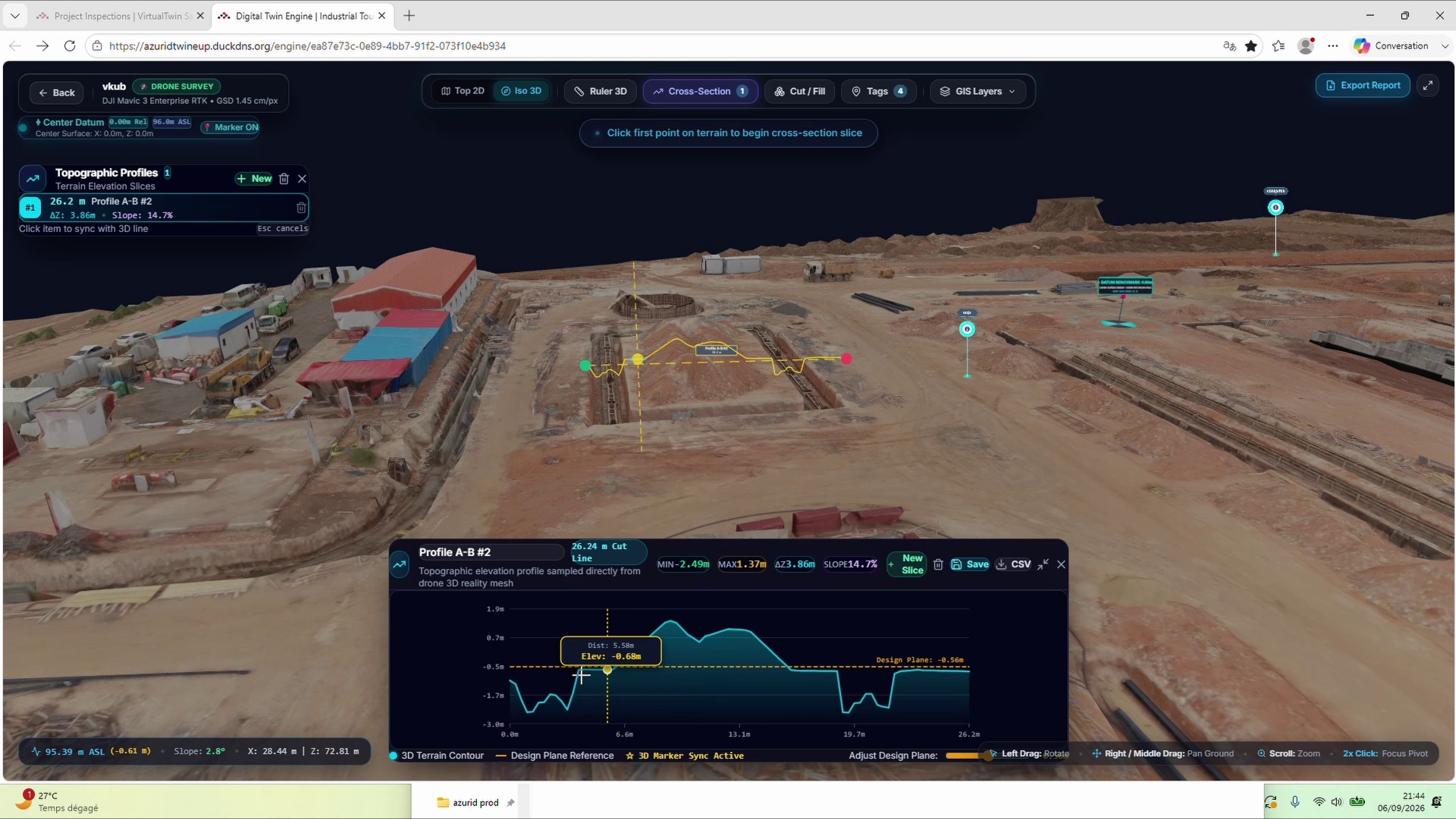
Measure terrain, earthworks, and site conditions with greater clarity
Inspect linear corridors, examine elevation profiles, and calculate earthwork cut and fill volumes without leaving your desk.
Generate profile lines along pipeline routes, access roads, or drainage channels to understand slopes and evaluate earth movement.
Request a walkthroughFrom site capture to actionable team insight
A straightforward process designed to integrate with standard surveying and reality capture practices.
Site reality capture
Gather drone imagery, 360° site walks, and ground survey data using standard, field-ready capture hardware.
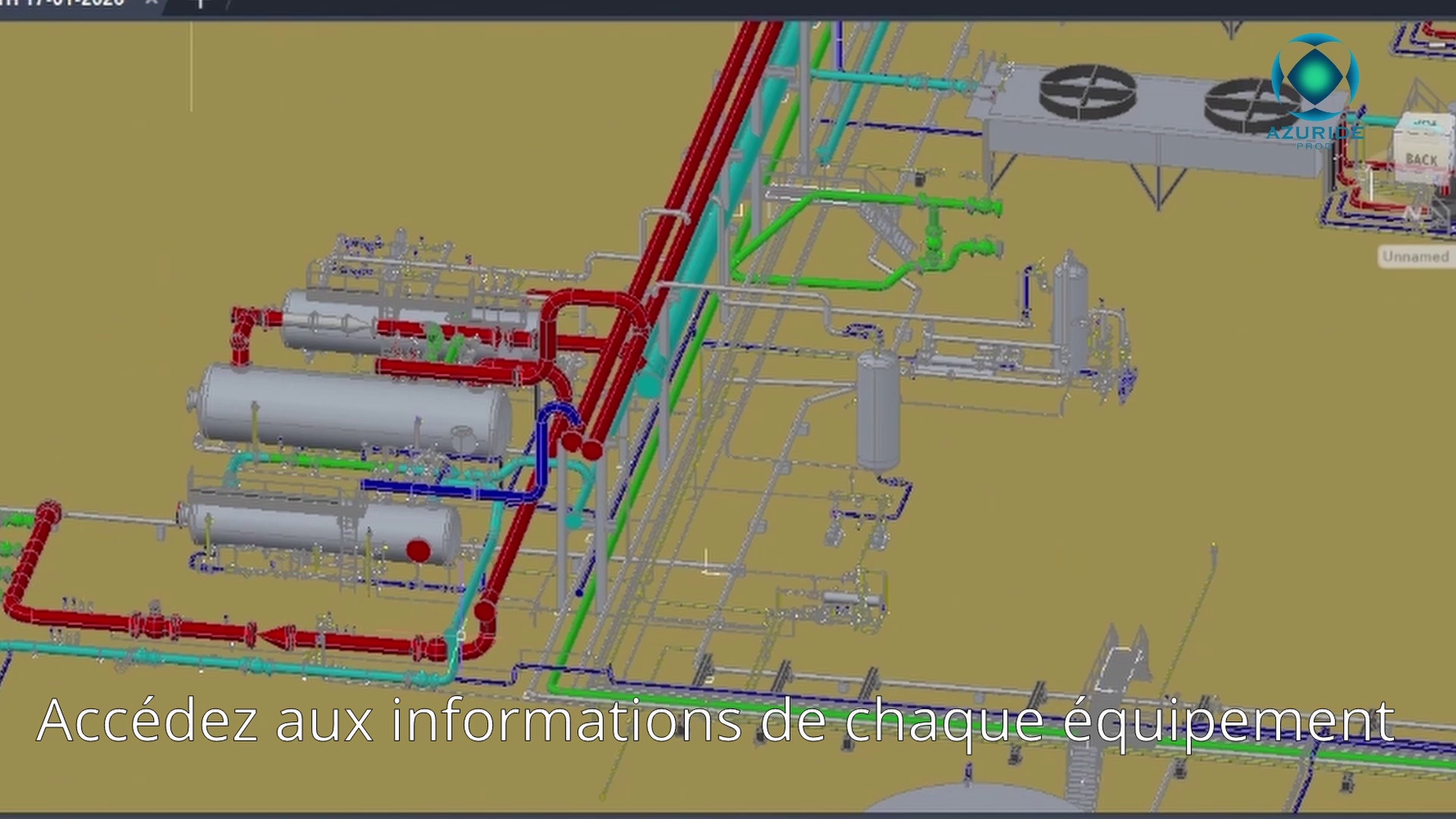
Spatial equipment inspection and context
Locate key equipment inside the digital twin, check spatial clearances, and inspect 3D representations in context.
Centrifugal Pump Skid
Identify pump location, inspect surrounding pipe routing, check maintenance access space, and attach inspection tags.
View in 3D Model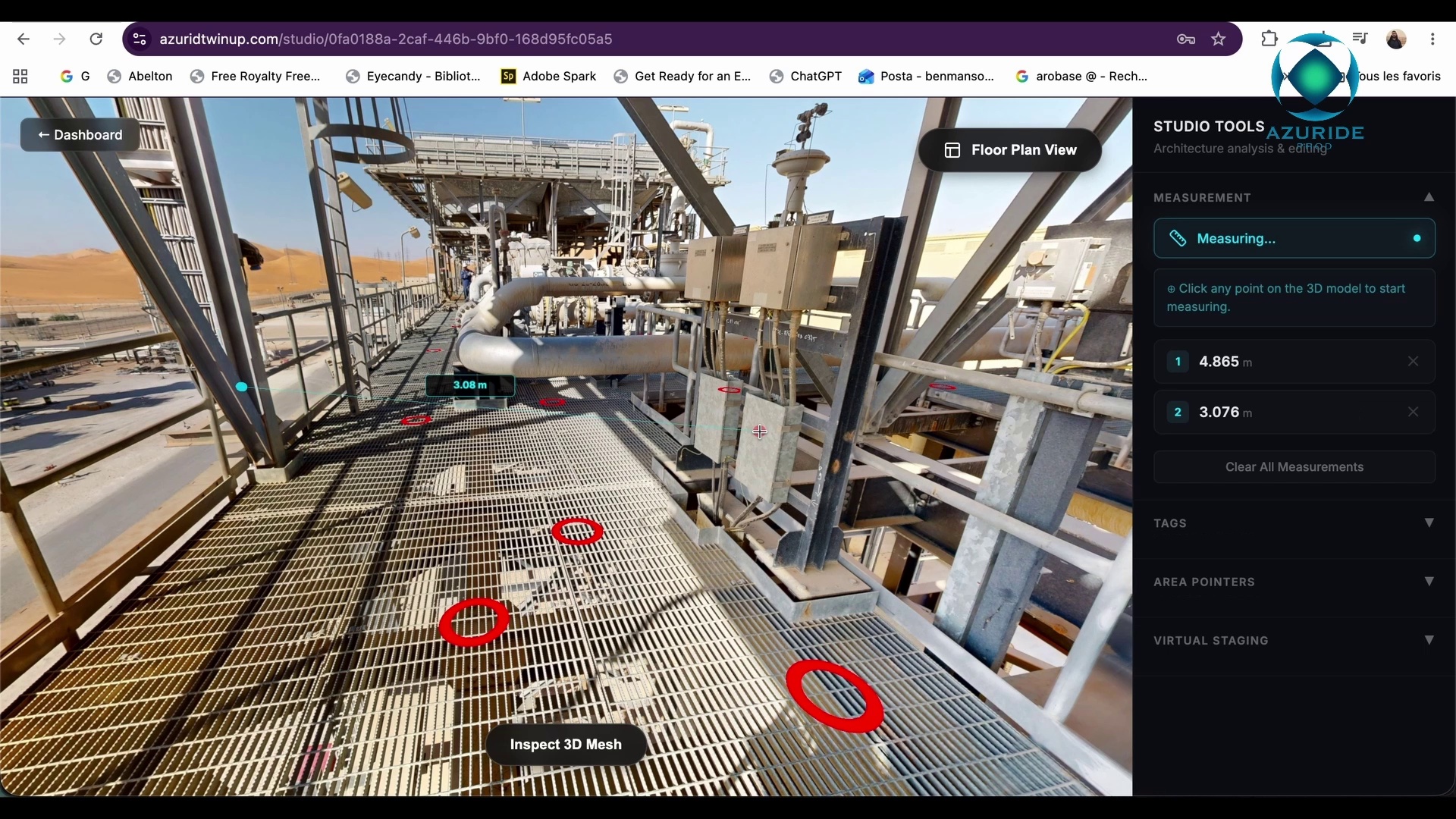
Storage & Processing Tank
Inspect tank positioning, perimeter bund clearances, access ladders, and associated structural nozzles in spatial context.
View in 3D Model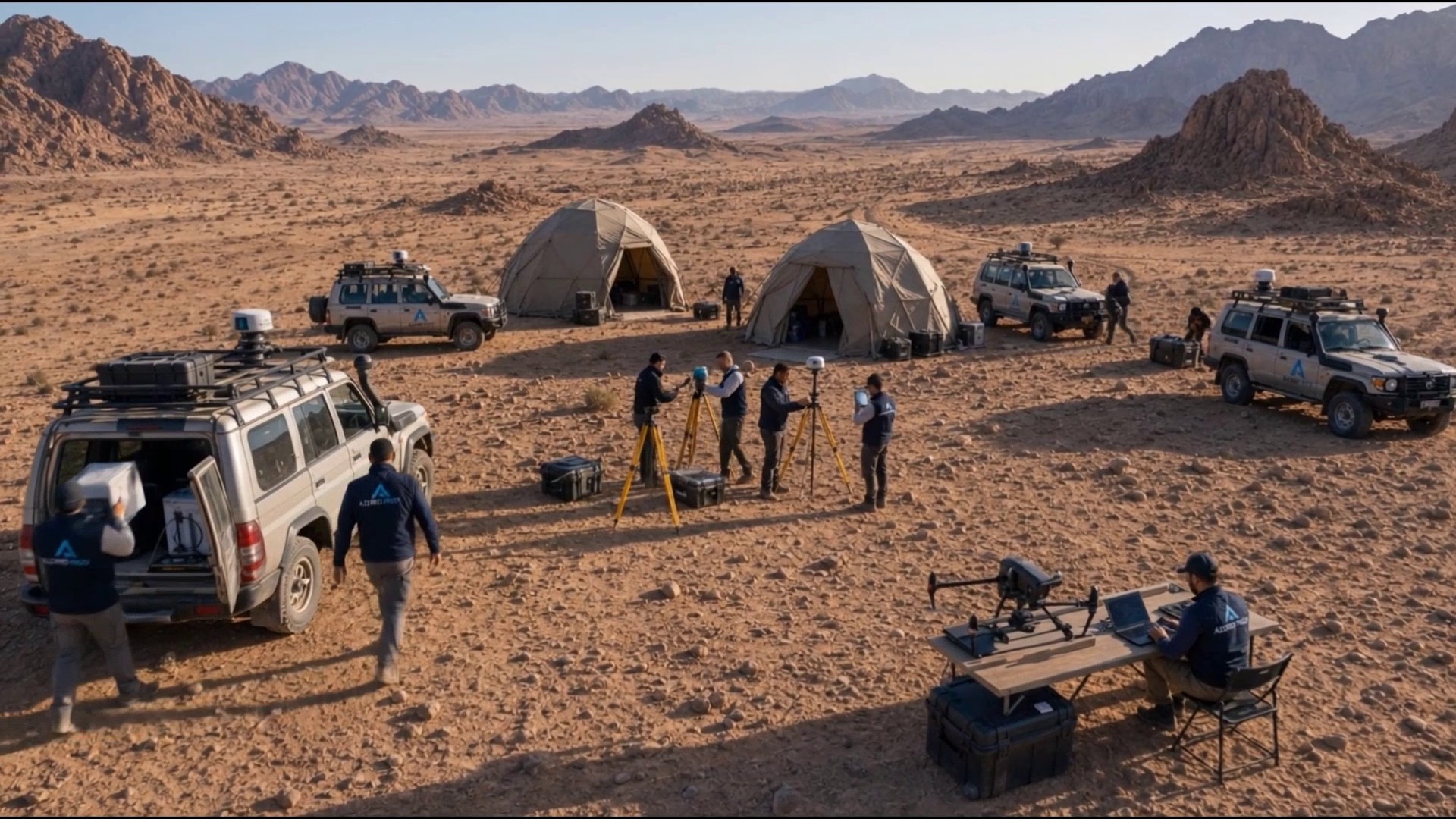
Piping & Flange Assembly
Review valve locations, check clearance around pipeline connections, and document visual inspection points.
View in 3D ModelBuilt for dependable project collaboration
Engineered to deliver high-resolution spatial models securely and smoothly through modern web browsers.
Browser Accessibility
Access and navigate digital twins directly in standard web browsers on desktop, laptop, or tablet without installing desktop software.
Private Data Control
Your site captures and project documentation remain securely hosted within dedicated storage under your administrative control.
Georeferenced Precision
Models are aligned with real-world survey benchmarks and geographic coordinate references to maintain spatial consistency.
Team Collaboration
Share access with project managers, site superintendents, engineering teams, and stakeholders with controlled user permissions.
Bring your site into focus with azuridtwineup
Schedule a tailored walkthrough to see how azuridtwineup can support your upcoming industrial inspection, civil construction, or facility monitoring project.